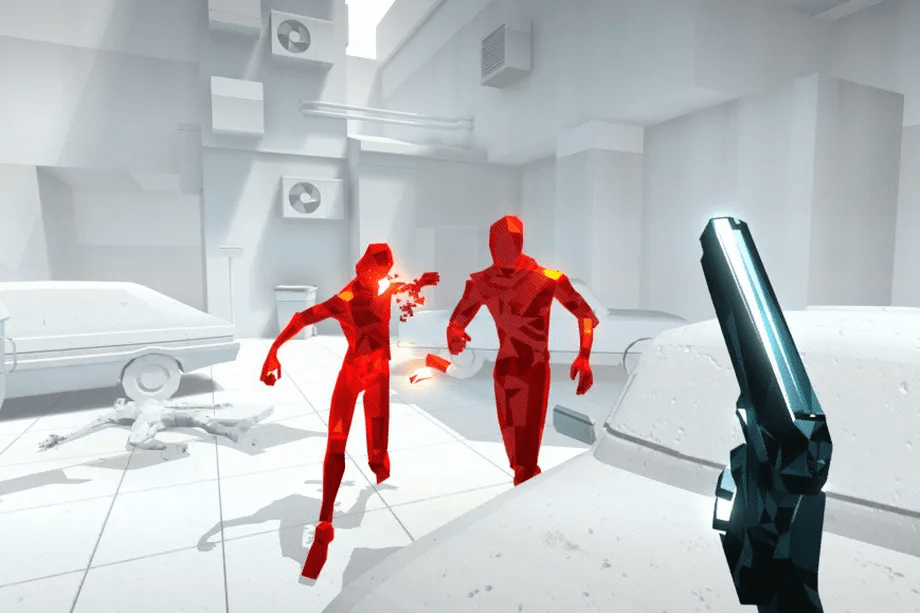
In the 4th semester of DAE we are given the Graphics Programming 2 course. during this course we are first tasked with adding functionality to the overlord engine. Our teachers took out important parts of the engine like animations, text & image rendering, shadow mapping, particles and post processing for us to implement them.
Working with the Overlord Engine
The overlord engine is a 3D game engine used at DAE to teach the graphics programming 2 course. It is programmed in C++ and has no visual tools to aid in game development.
We learn a lot of techniques that are used in the game industry by implementing various additions to the engine and working with the various frameworks that it comes with.
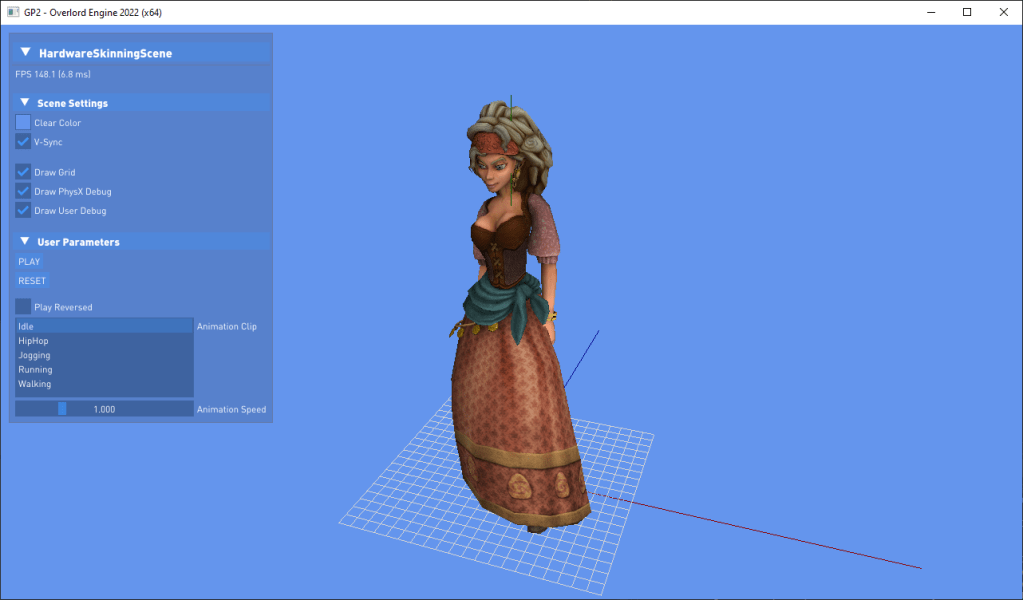
PhysX
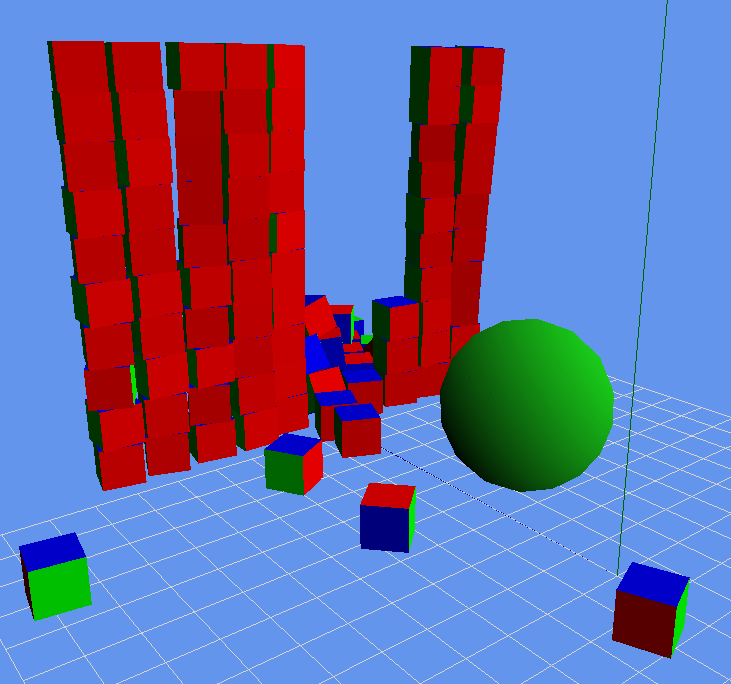
In the overlord engine we use the PhysX engine for all physics related component. It can be used on the CPU or GPU and even on smartphones.
It is a powerful piece of software developed by NVidia and a must have for anyone that want’s to have 3D physics for his engine or game.
FMOD
FMOD is the library we use to play and mix sounds. We use it to play sounds in a 3D environment and/or directly to the headphones. It also has the possibility to take velocity of the listener into account and elevate the user experience.

HLSL Shaders
FMOD
FMOD is the library we use to play and mix sounds. We use it to play sounds in a 3D environment and/or directly to the headphones. It also has the possibility to take velocity of the listener into account and elevate the user experience.

HLSL shaders
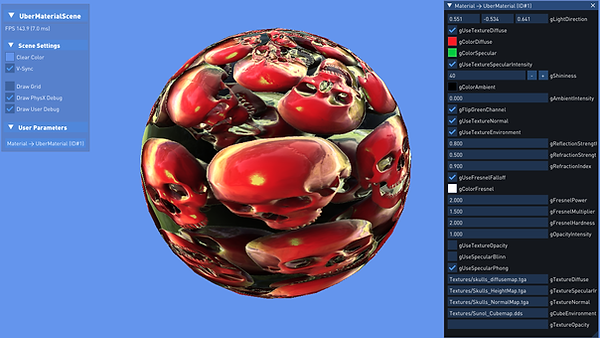
For making the shaders used in the engine we use High-Level Shader Language (HLSL), which is a shading language used for programming shader for Direct3D.
Using HLSL we are able to use the graphics card to its fill extend and we are able to use various techniques to bring images to the screen.
Although the engine comes with its own shaders to draw meshes, we had to implement some shaders on our own to become more familiar with HLSL

Using the GPU’s geometry shader and pixel shader to quickly draw Sprites to the screen which a bunch a parameters to change the layout of the sprite
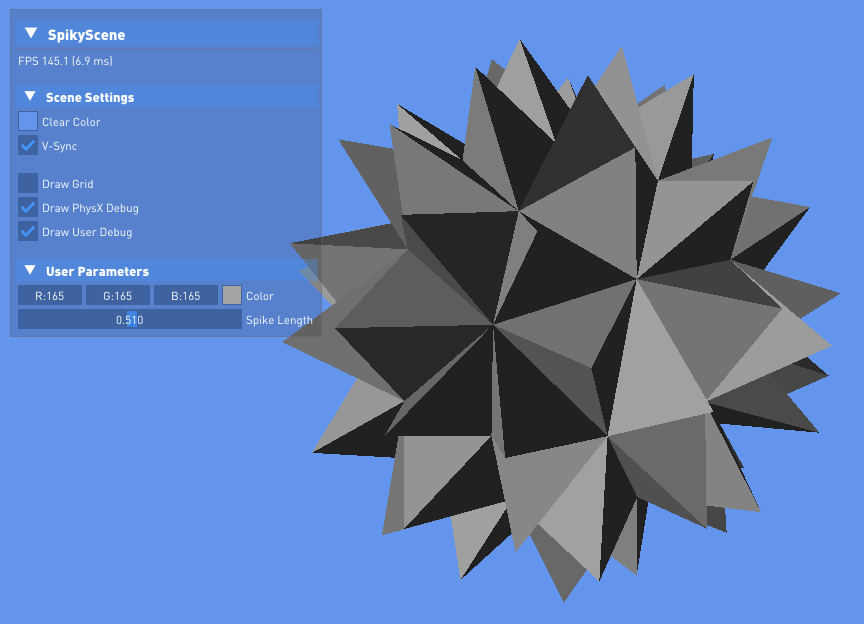
Using the geometry shader of GPU to add spikes to any surface
FMOD
FMOD is the library we use to play and mix sounds. We use it to play sounds in a 3D environment and/or directly to the headphones. It also has the possibility to take velocity of the listener into account and elevate the user experience.
HLSL shaders
For making the shaders used in the engine we use High-Level Shader Language (HLSL), which is a shading language used for programming shader for Direct3D.
Using HLSL we are able to use the graphics card to its fill extend and we are able to use various techniques to bring images to the screen.
Although the engine comes with its own shaders to draw meshes, we had to implement some shaders on our own to become more familiar with HLSL


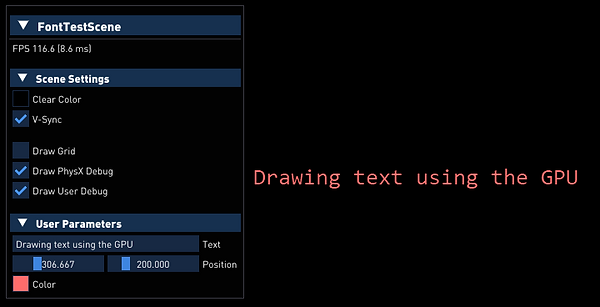
Animations using the GPU
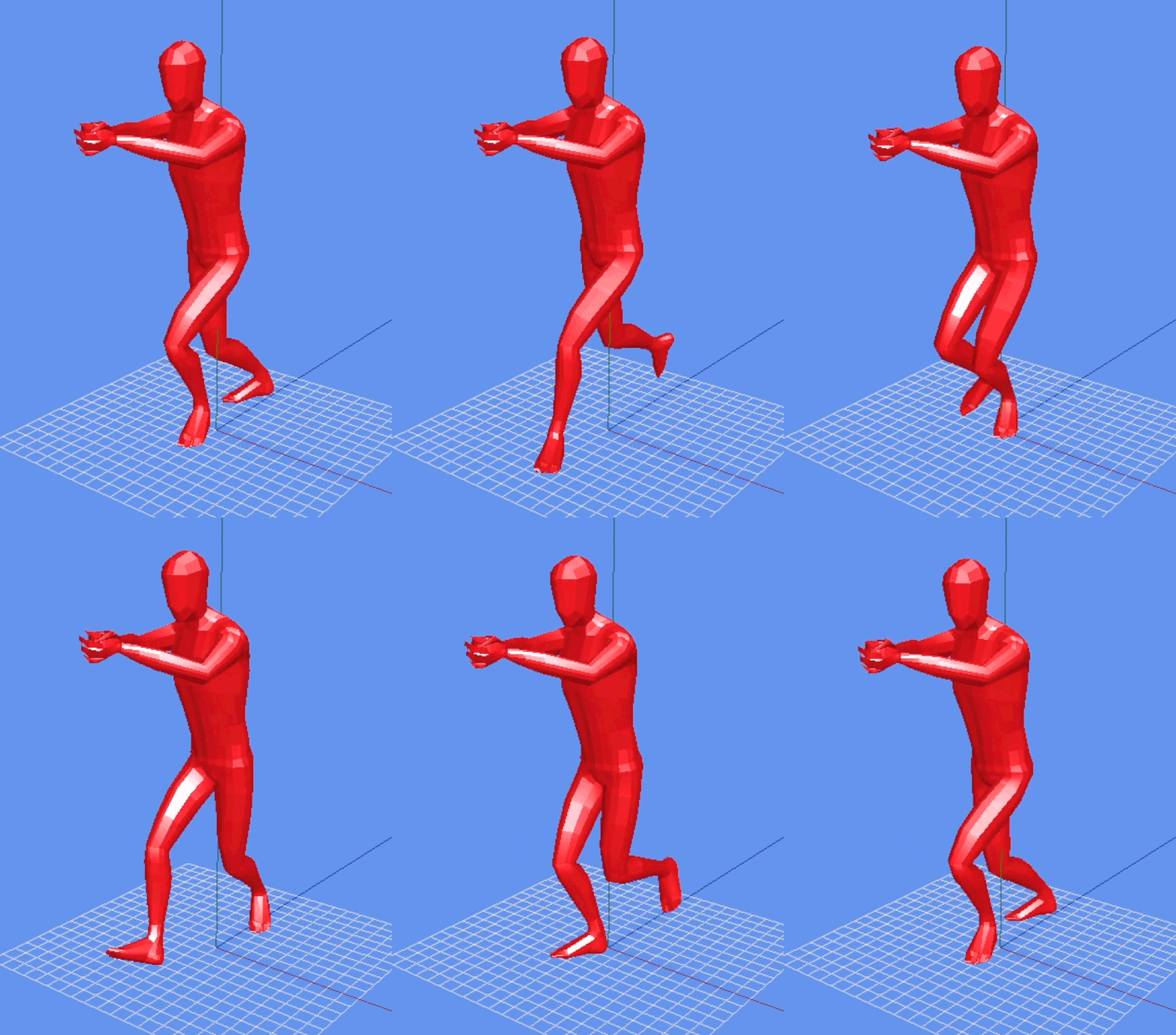
We also needed to implement animations on our own. First we made a basic animation that uses the CPU, but turns out that animations are very expensive and take up a lot of data.
We then implemented animations for the GPU which transforms all the vertices quickly using its parallel computing capabilities
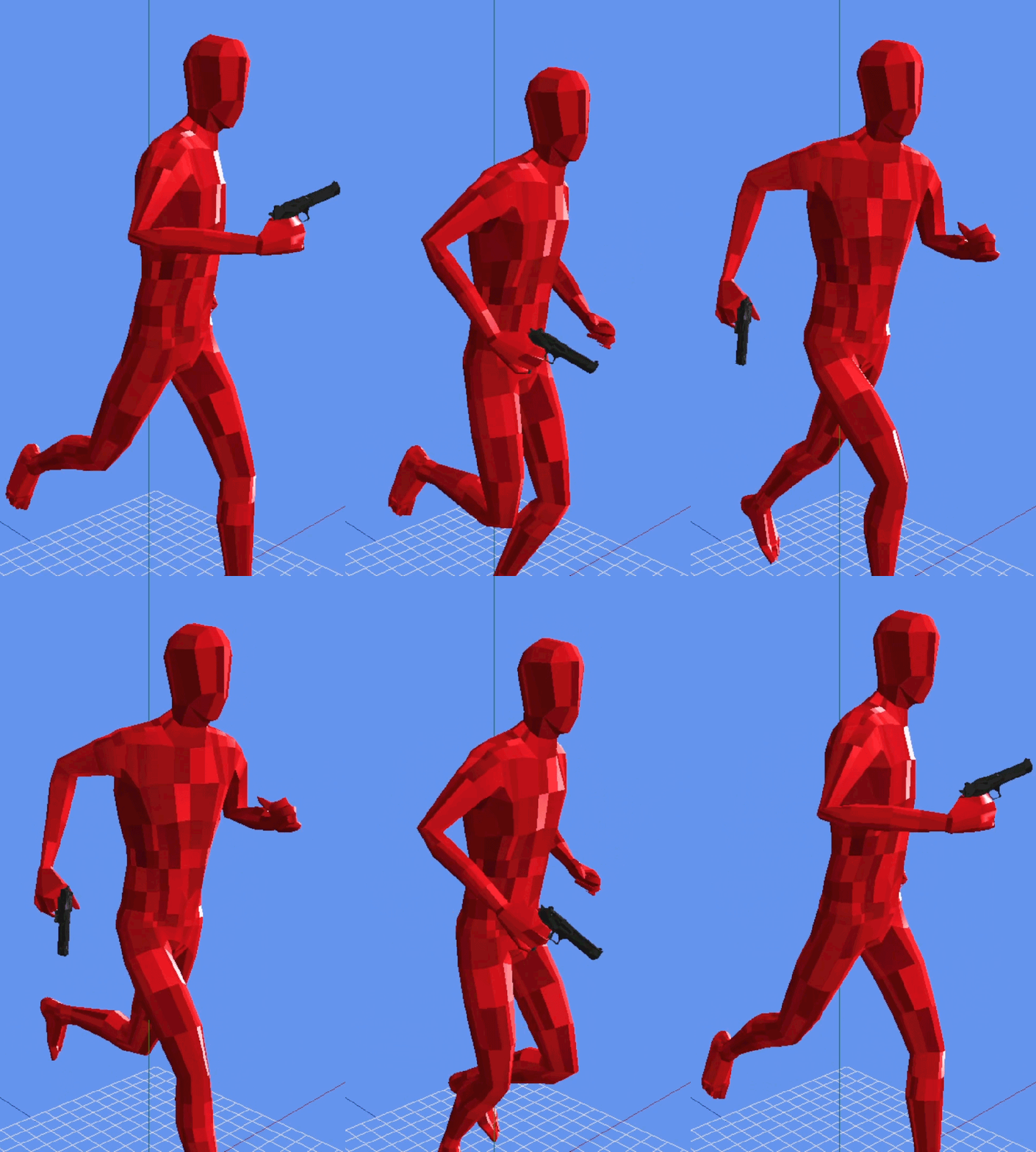
Adding a socket system
Unfortunately the engine itself did not come with a way to attach actors to bones. So I had to be creative and try to implement one myself.
I started running into issues right from the start: Because the overlord engine uses its own file system, there is no information available online that could help me get bone information and transformation data out of the file.
But after analysing the binary data inside the files and some trial and error I was able to extract the right information and implement a socket system into the Engine.
Hitboxes
Because hitboxes can become quite expensive to simulate we have to be quite careful when adding hitboxes to the game.
Each enemy has a total of 11 hitboxes: 1 big Capsule hitbox that can interactor with and block objects in the world. We only use 1 hitbox for interfacing with the world, that way we can get a better performance.
The other 10 hitboxes give the enemies a precise hitbox for our bullets to hit. I also set it that these hitboxes cannot interact with each other or the world around them, only bullets from the player/other enemies.
These smaller hitboxes are also attached to the sockets that I created for holding the gun. This way we can move them dynamically with the movement of the animation.
Bullet Trail Line Renderer
Using the Geometry shader of the GPU and the Adjacent Line input geometry I managed to add a simple trail to the bullets as they travel through the air
 Connor De Meyer | Portfolio
Leave a comment